


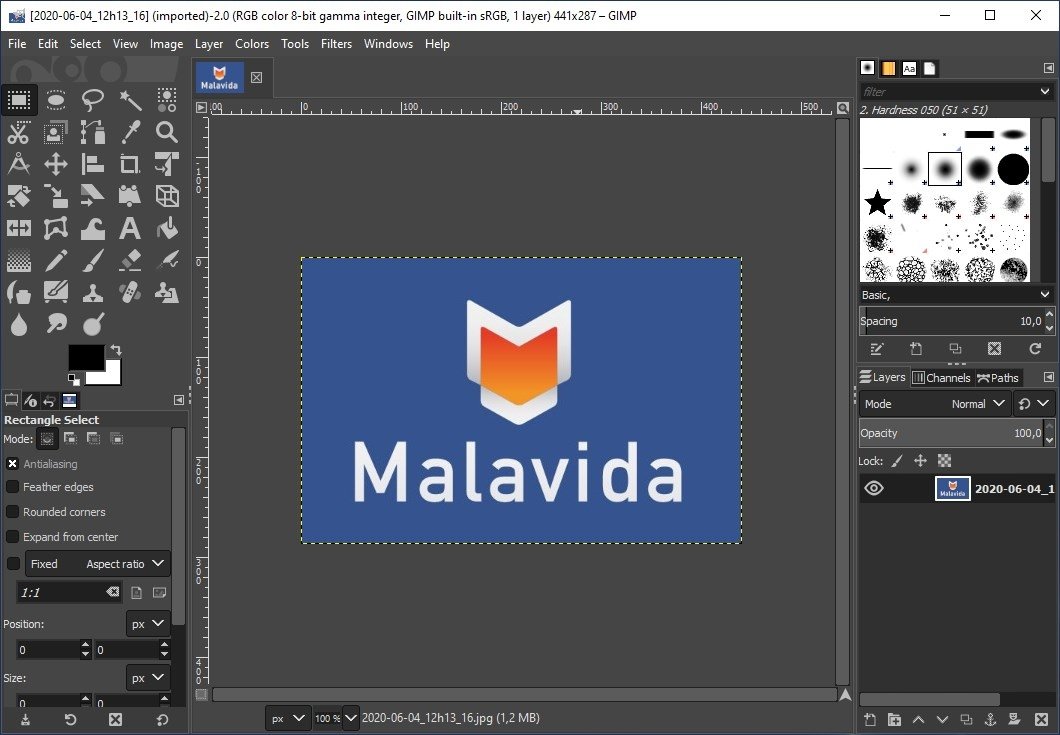
A free and open-source image editor
If somebody were to ask us about a photo enhancement and editing app, our answer would probably automatically be Photoshop. That's normal if we take into account that it's one of the best programs in this sector and a reference within the field of photography. However, despite being the best it also has an important drawback for many individual users or educational centers, to just name a few examples: it costs money. So if you're on a tight budget and you need an alternative program capable of offering us high performance when it comes to editing and enhancing photos, you can always download GIMP for PC.
The best free alternative to Photoshop
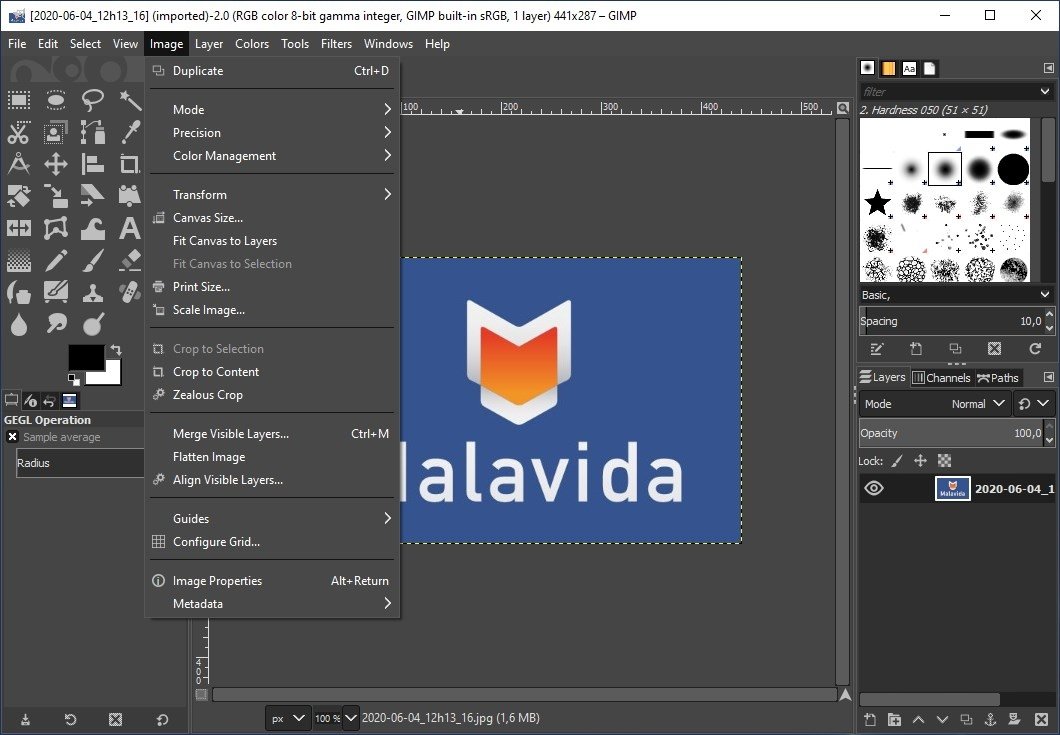
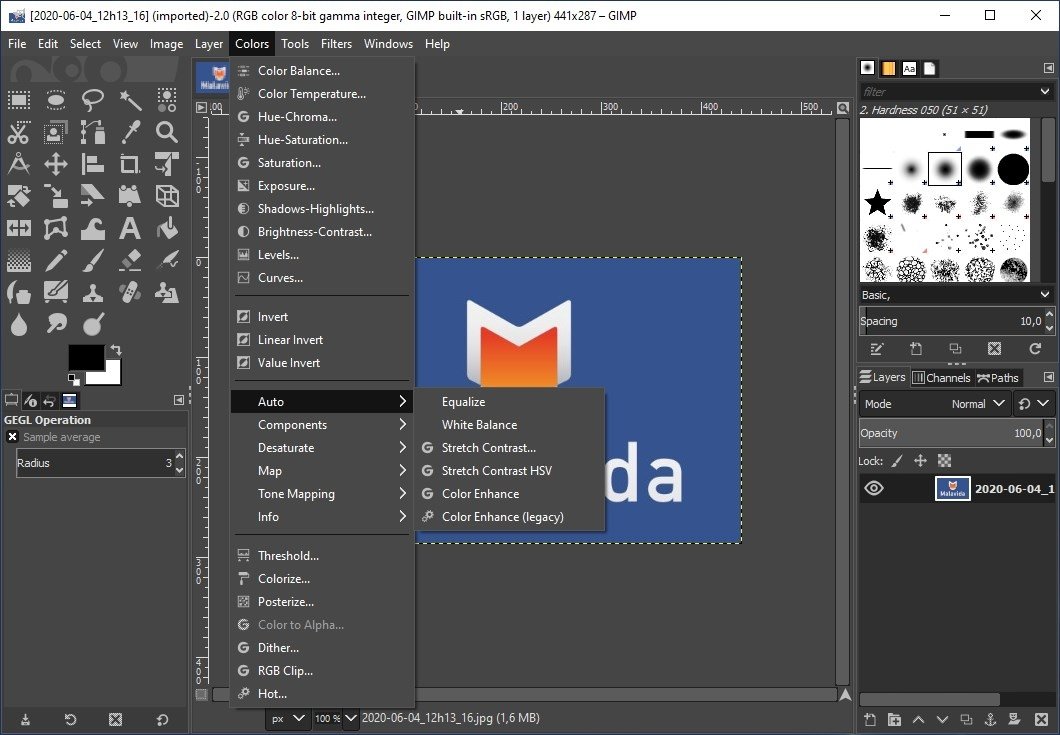
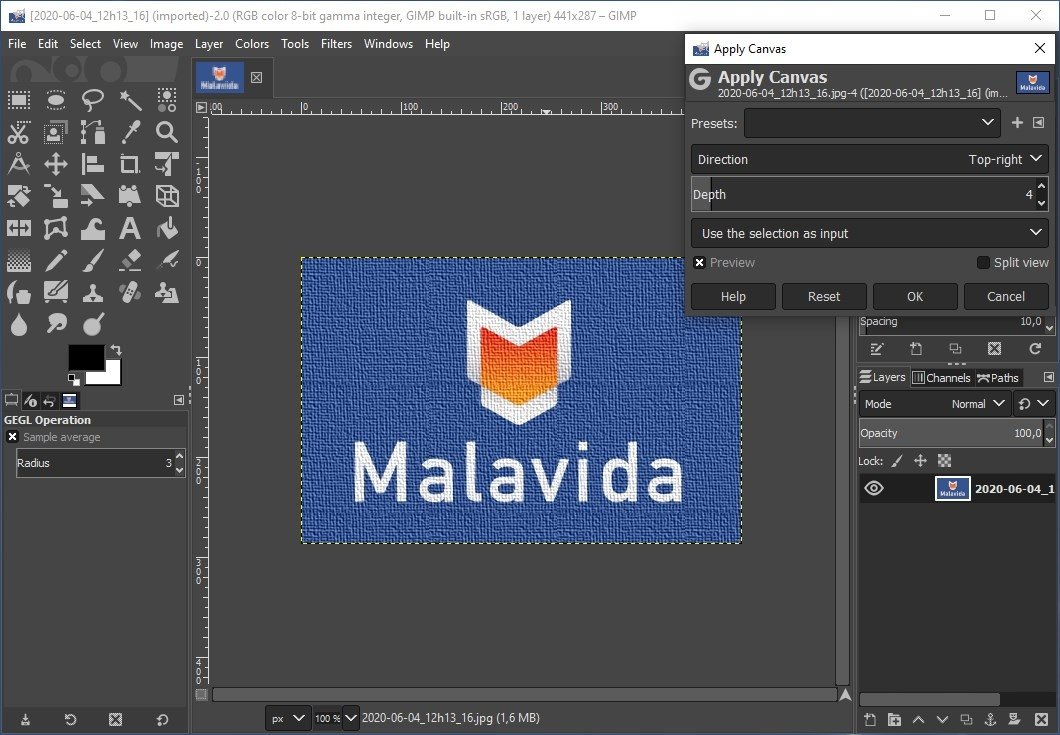
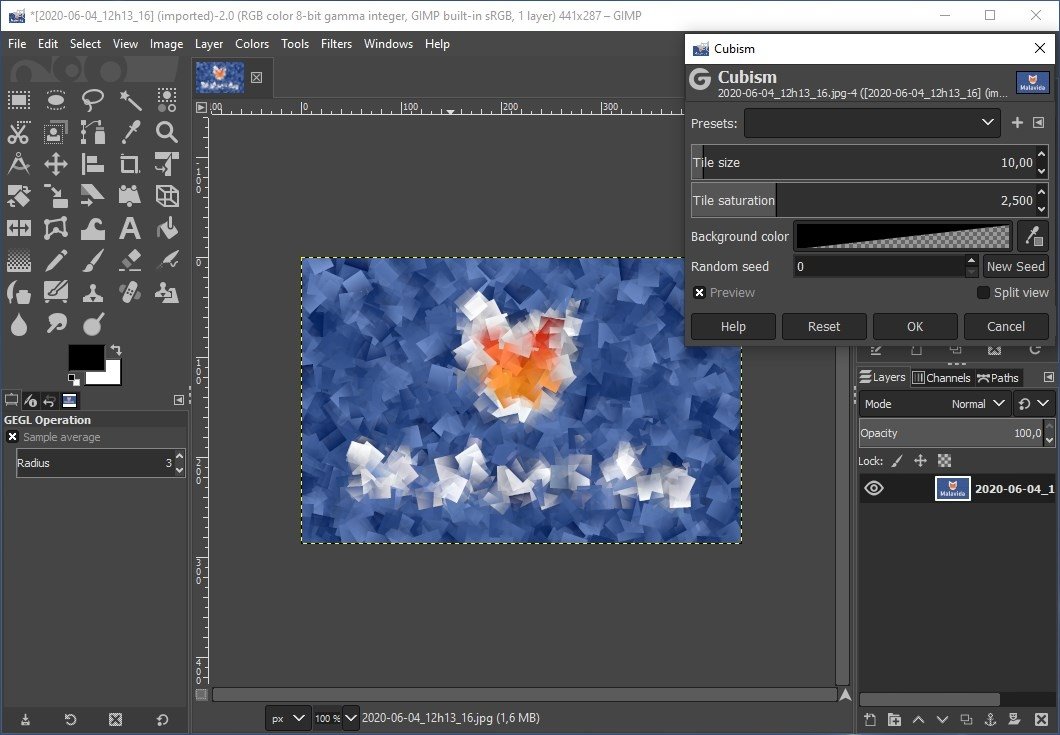
Its name is an acronym for GNU Image Manipulation Program, and it's exactly a software to edit images capable of working with both photos and drawings. Furthermore, it's part of the GNU project, therefore you can download GIMP for PC for free.
It started off back in 1995 when a group of students of Berkeley University developed it as a project. Nowadays, it has a huge user community in charge of its development and the periodical implementation of updates and improvements.
The best free resource to process images
Main features
- Free image editor with professional features.
- Work with independent channels and layers.
- Includes the GTK+ graphic control library.
- Compatible with the most used formats: JPEG, PSD, TIFF, PNG, PDF, GIF, etc.
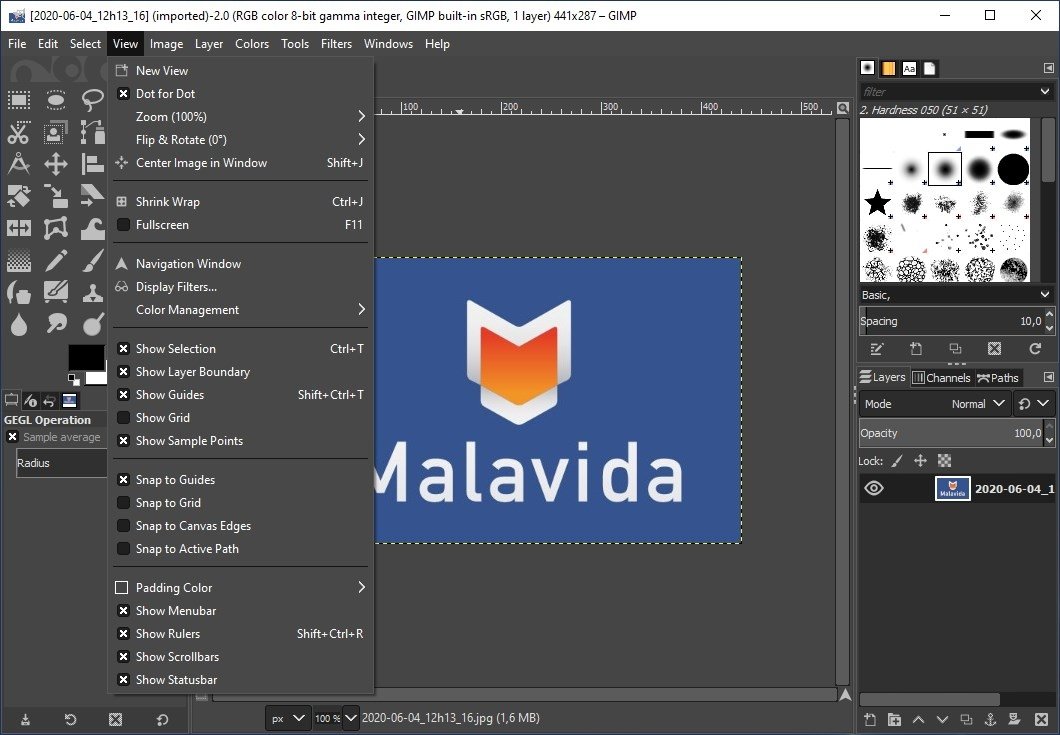
- Easy-to-use interface adjustable to the needs of the user thanks to the use of floating windows that you will be able to move freely.
- Process image batches.
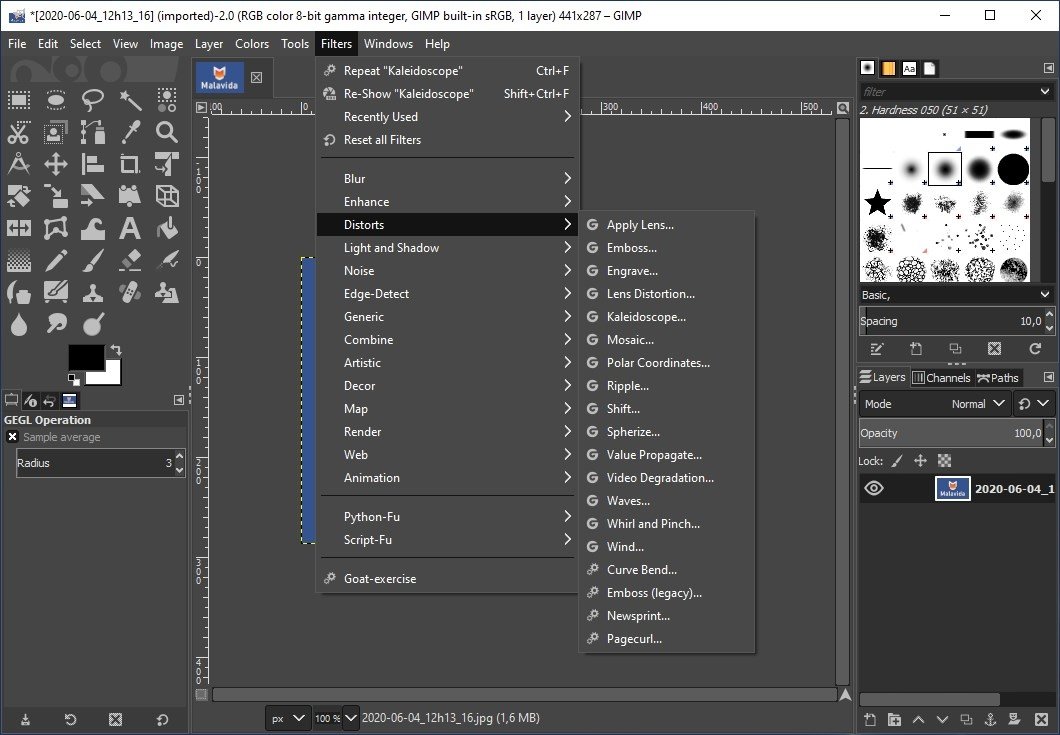
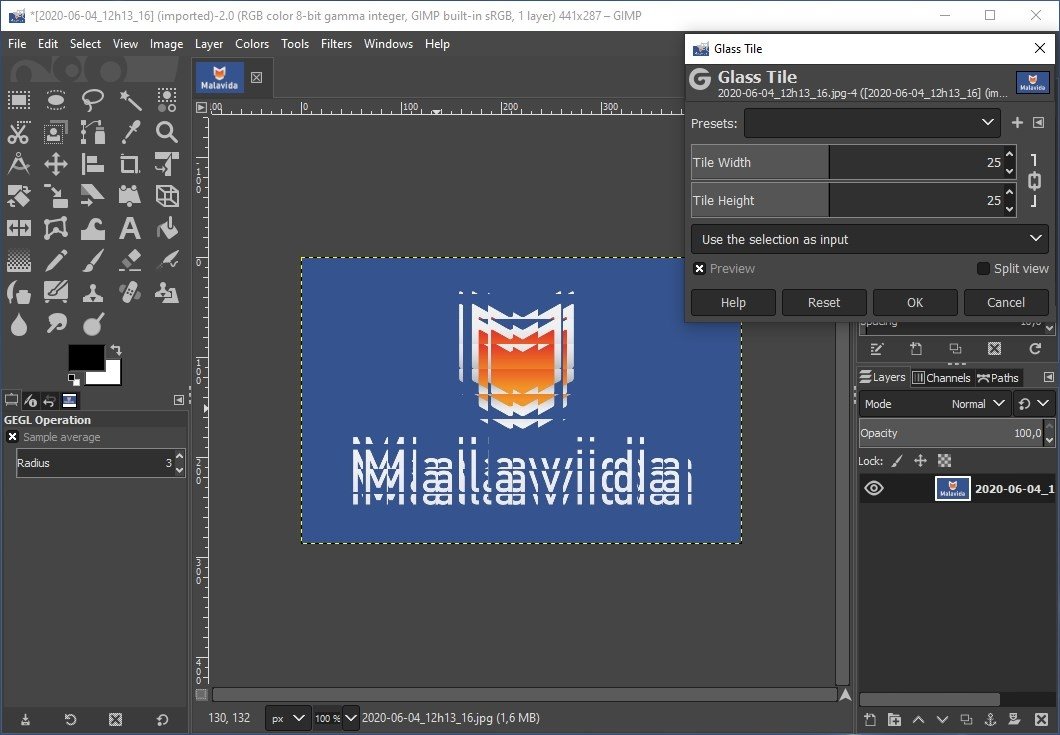
- Increase the options by means of plug-ins and complements.
- Support for the use of macros and commands.
Features such as the possibility to expand its functions by means of extensions or the automation of actions by using macros, make it one of the best software programs that you can download for free to work with your images.
Results at a professional level.
Its great success has led to the development of versions for platforms other than Windows, such as Mac and Linux, as well as a portable version that allows you to use it without installing anything (from a USB stick for instance).
Translated into several languages, it's considered as one of the best image editing apps that you can download for free, beating the functions and features of other commercial developments according to the opinion of many of its users.
However, you should bear in mind that this kind of program isn't usually very intuitive and can be quite hard to use. If you were to have any problems, you'll be able to find dozens of tutorials on the Internet explaining different methods and tips to use it.
What's new in the latest version
- GIMP continues reinforcing its basics. This new version, 2.10.32, comes along with quite a few bug fixes and improved compatibility with many image file formats.
 Elies Guzmán
With a degree in History, and later, in Documentation, I have over a decade of experience testing and writing about apps: reviews, guides, articles, news, tricks, and more. They have been countless, especially on Android, an operating system...

Antony Peel